Web-300 - Exam 3 - June 23 2024

Onboarding
Connection Info
Proctoring Portal 570362 [HASH_REDACTED]
The following are your Exam VPN connection credentials:
Username: OS-570362
Password: Ebkh3FAtZvW
My IP: [LAB_IP]
Instructions
Target IP: [LAB_IP]
Maximum Potential Points:
- Authentication bypass with local.txt: 35
- Remote code execution with proof.txt: 15
Information: The target web application is a custom application written in Java. Your goal is to bypass the authentication mechanism and obtain remote code execution on the target machine.
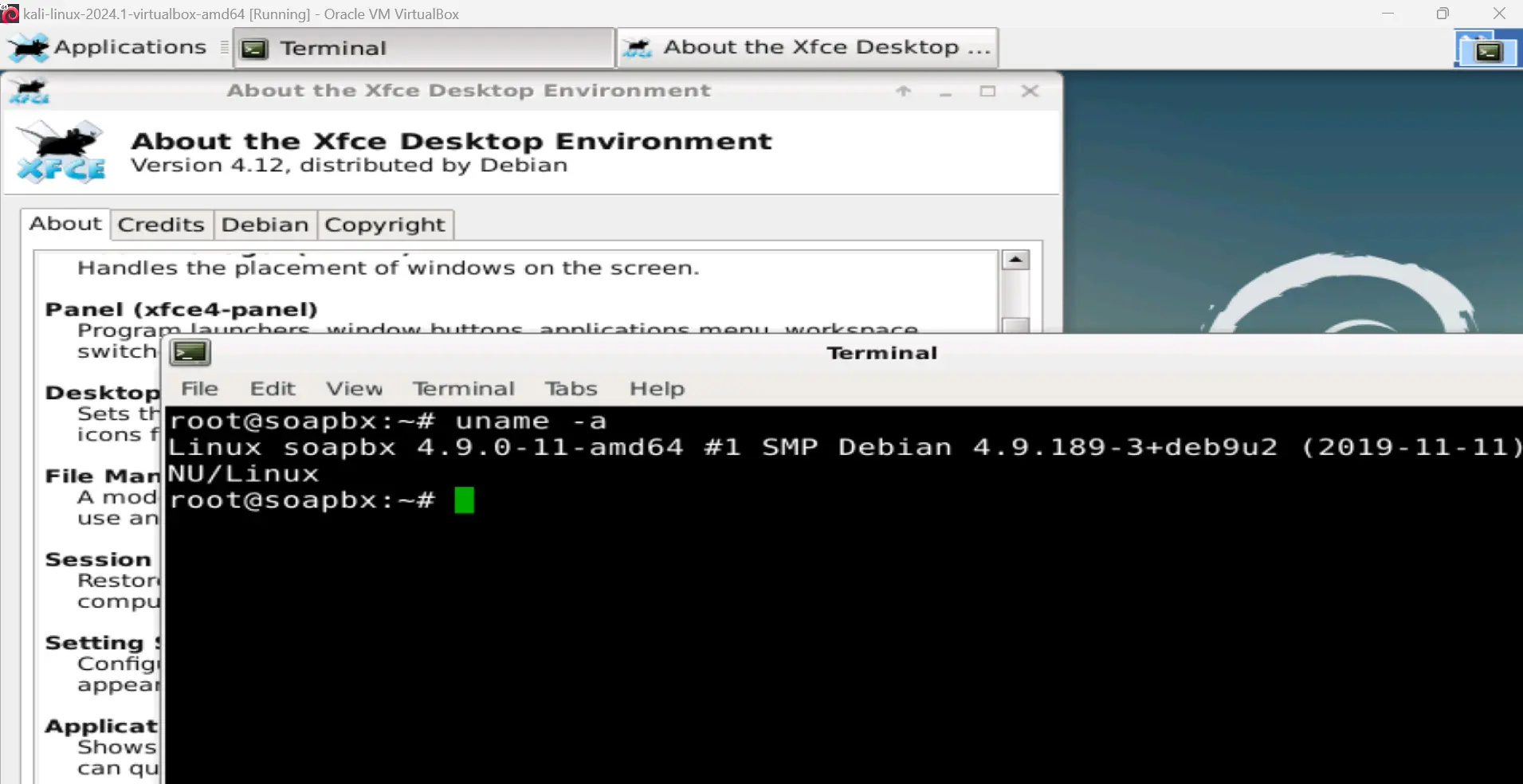
In addition to SSH connections, the debug VM can also be accessed via remote desktop for GUI access. If you would like to use the remote desktop environment for debugging the web application, we recommend connecting with the rdesktop tool in Kali using the following command: rdesktop -a 16 -z -r sound:remote -x b -D -u root -p awae 192.168.xxx.155. Should you choose to use another connection command, use 'Xorg' as the session type.
The web application has already been configured to enable debugging on port 8000. The application JAR file and a sample debug configuration file for Visual Studio Code can be found in the root user's Documents directory.
Please note that both vectors (authentication bypass and remote code execution) must be scripted in a single exploit. Failure to script the exploitation steps may result in zero awarded points. While screenshots of local.txt and proof.txt are required, screenshots alone are not sufficient and may result in zero awarded points.
You can write your exploit in the scripting or programming language which you are most comfortable with.
The target machine is an exact copy of the debugging machine, with the exception of any application-specific configuration constants and credentials for the web interface and operating system.
CREDENTIALS: Debug VM OS: root / awae
The database can be interacted with by switching to the 'postgres' user.
Main Objectives: